
Before You Begin
- You must be logged into the Facilipay Business Dashboard.
- Have your new logo or background image file ready, in a supported format (see specifications below).
Step-by-Step: Update Your Logo or Background Image
-
Go to App Design
Log in to your Facilipay Dashboard, navigate to My Business in the side menu, and select Design. -
Upload a New File
Select either the Business Logo or App Home Background, then upload a new file from your device.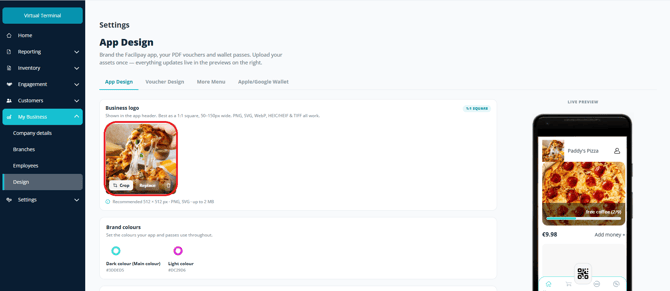
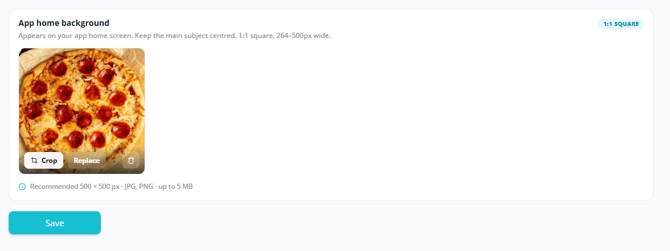
-
Save Your Changes
After uploading, click Done to apply the update. You can also adjust your Colour Scheme by selecting the circle icons in the same section.
Recommended Image Specifications
Business Logo
- File type: JPG or PNG
- Maximum size: 2 MB
- For best quality, upload a square (1:1) image
Background Images
- File type: JPG or PNG
- Maximum size: 5 MB
Tips & Best Practices
-
Use high-resolution images: Sharper images render better on customer devices, especially at small sizes.
-
Edit before uploading: Crop and resize images on your phone or computer before upload for the cleanest result.
-
Test on a device: Open the Facilipay app after saving to confirm the logo and images display as expected.