
Before You Begin
- You must have access to the Facilipay Merchant Web App.
- You must have a 7-digit booking reference from the Hays iSell system ready before processing.
Step-by-Step: Sell a Physical Gift Card
-
Access the Merchant Web App
Go to merchant.facilipay.io. -
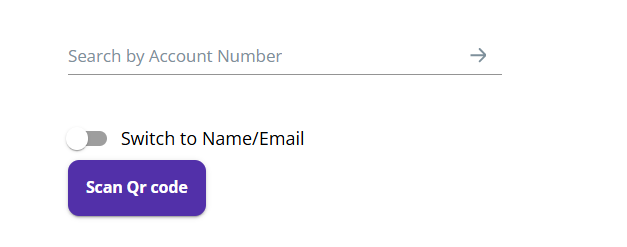
Enter the Gift Card Number
In the Account Number field, enter the number printed on the back of the physical gift card.Click the green arrow to proceed. Enter the customer name details when prompted. You'll then see the Gift Card transaction screen.
-
Add Value to the Card
Enter the amount to be loaded onto the card (e.g. £100). Under the Add and Redeem options, a balance preview displays the updated card balance based on the selected action.Ensure Add is selected when loading funds.
-
Enter the Booking Reference
A booking reference is required to complete the transaction.- This reference is generated in the Hays internal iSell system.
- The reference must be 7 digits long.
- Enter the reference into the required field.
Once entered, proceed with the transaction.
-
Confirm the Transaction
Click Add to process the load. A confirmation prompt indicates the transaction was successful.
What Happens After You Save
The physical gift card is loaded with the selected amount, and the transaction is recorded against the provided Hays booking reference for reconciliation.
Tips & Best Practices
-
Verify the booking reference: Double-check the 7-digit reference before submitting — it's used for reconciliation.
-
Keep a transaction log: Note the booking reference and amount in your records for cross-checking.
-
Need help? For Hays-specific queries, contact support@facilipay.io.