Step 1: From the FaciliPay home screen on your PAX terminal, tap Register. 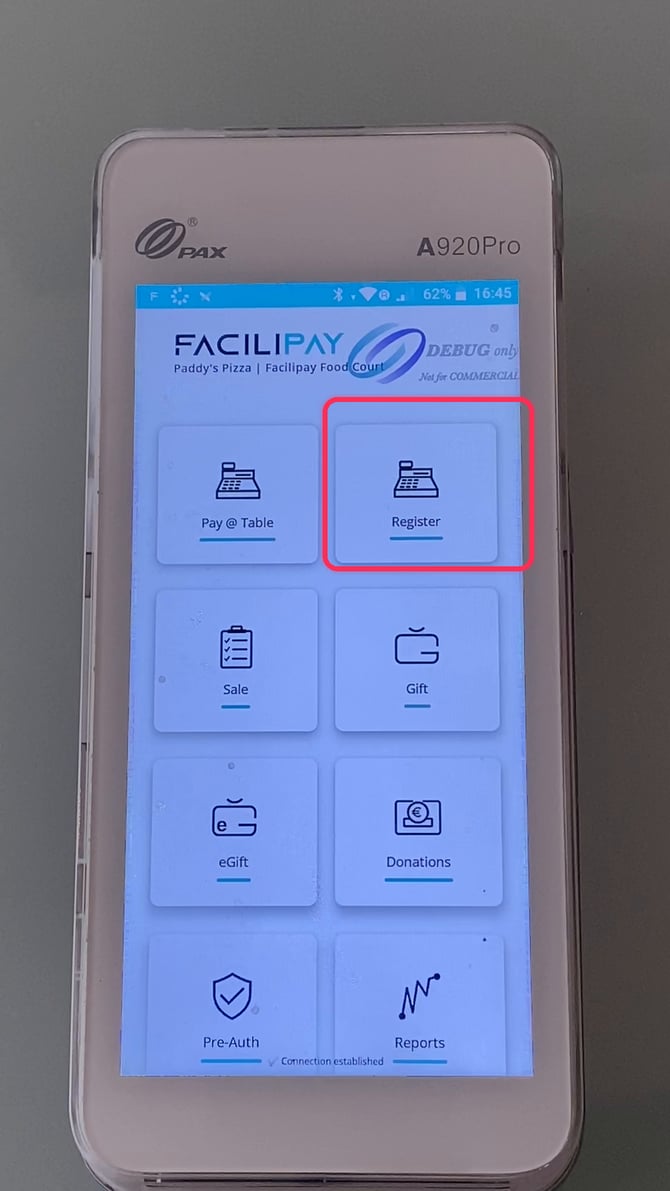
Step 2: Select an item from the menu — in this example, Fillet Box Meal With 1 Pc Chicken — to add it to the order. 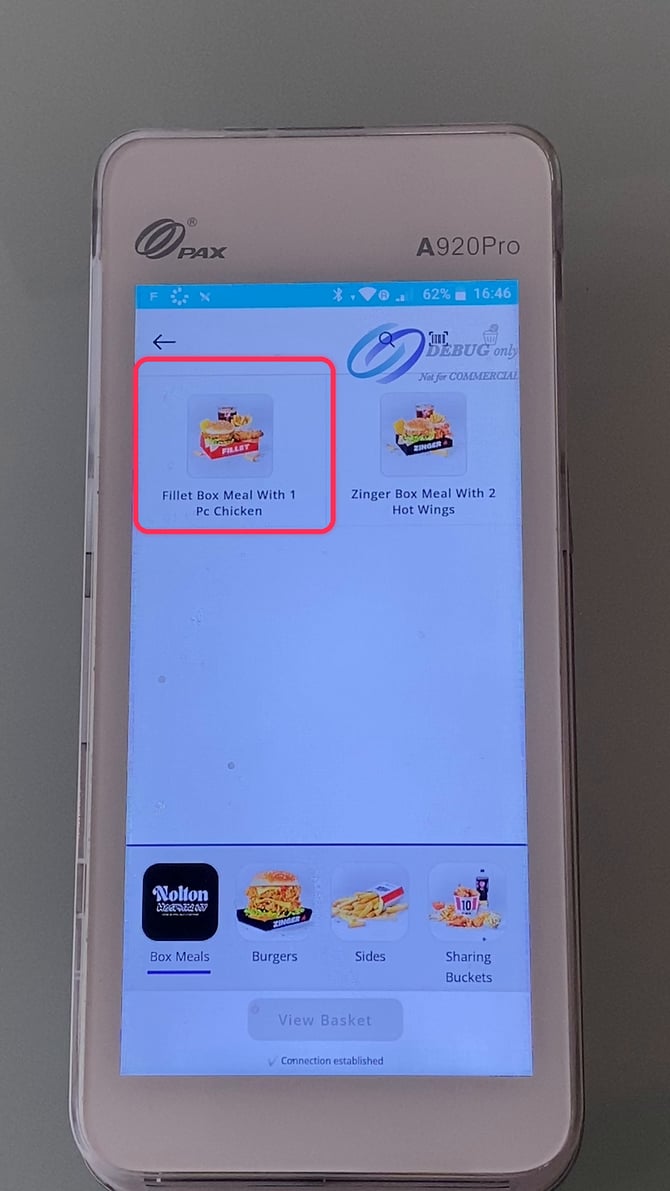
Step 3: Once the item is added, tap the Basket button to review the order. 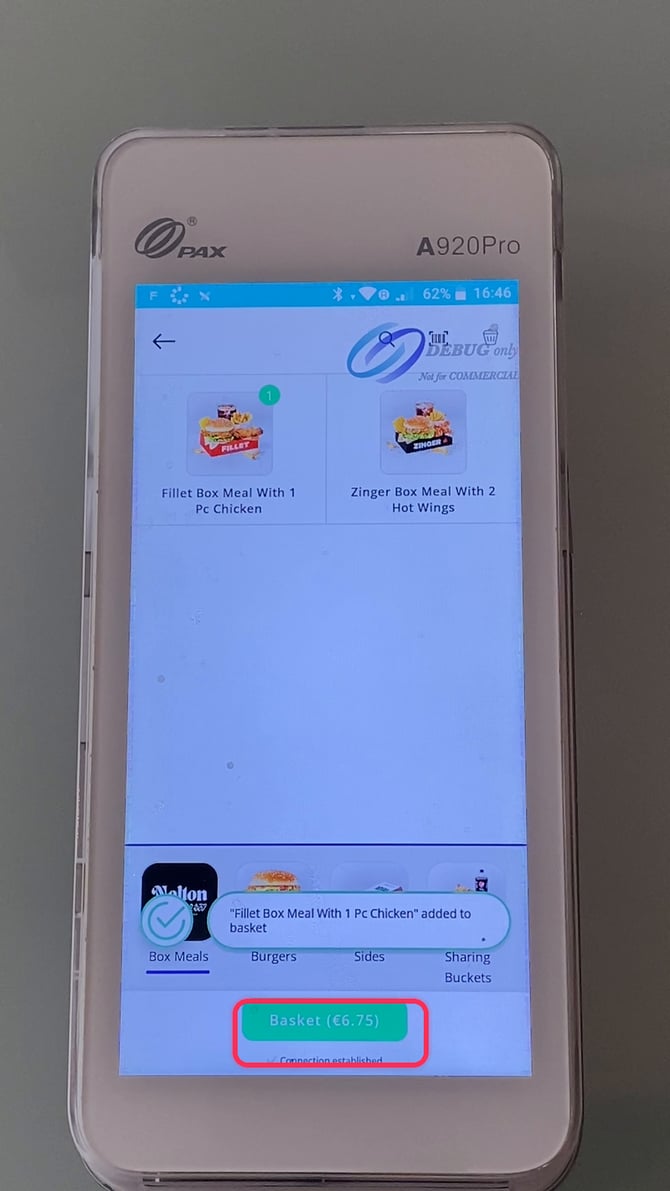
Step 4: On the items screen, check the order total, then tap Pay Now 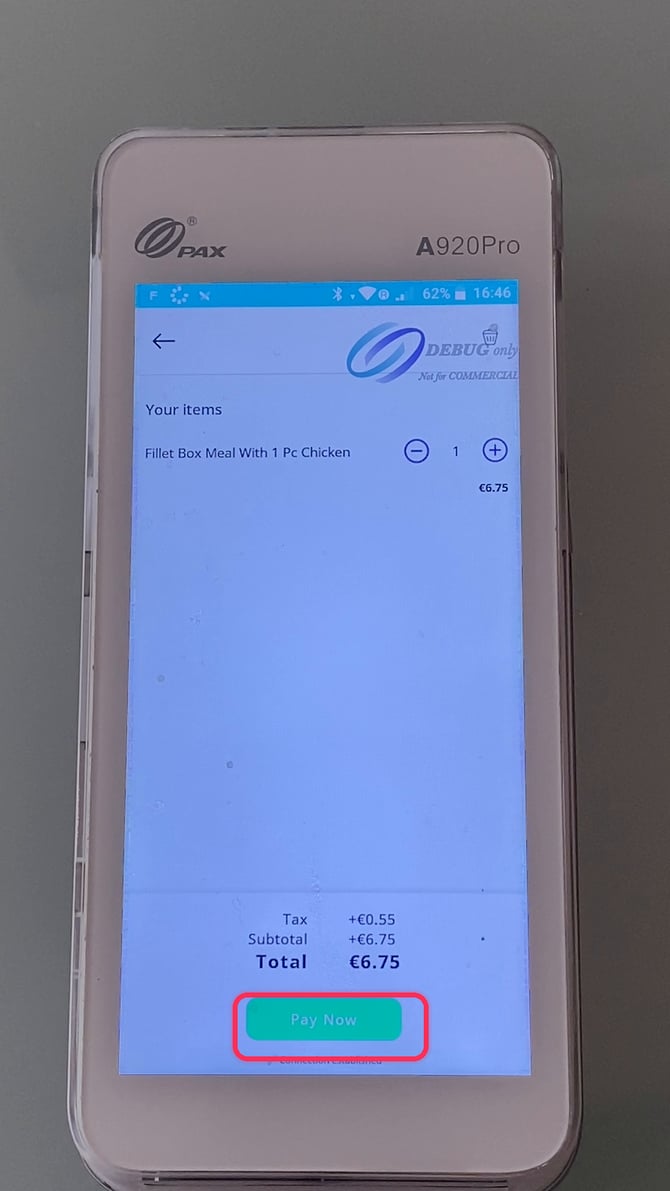
Step 5: Choose a payment method — tap Pay with Card. 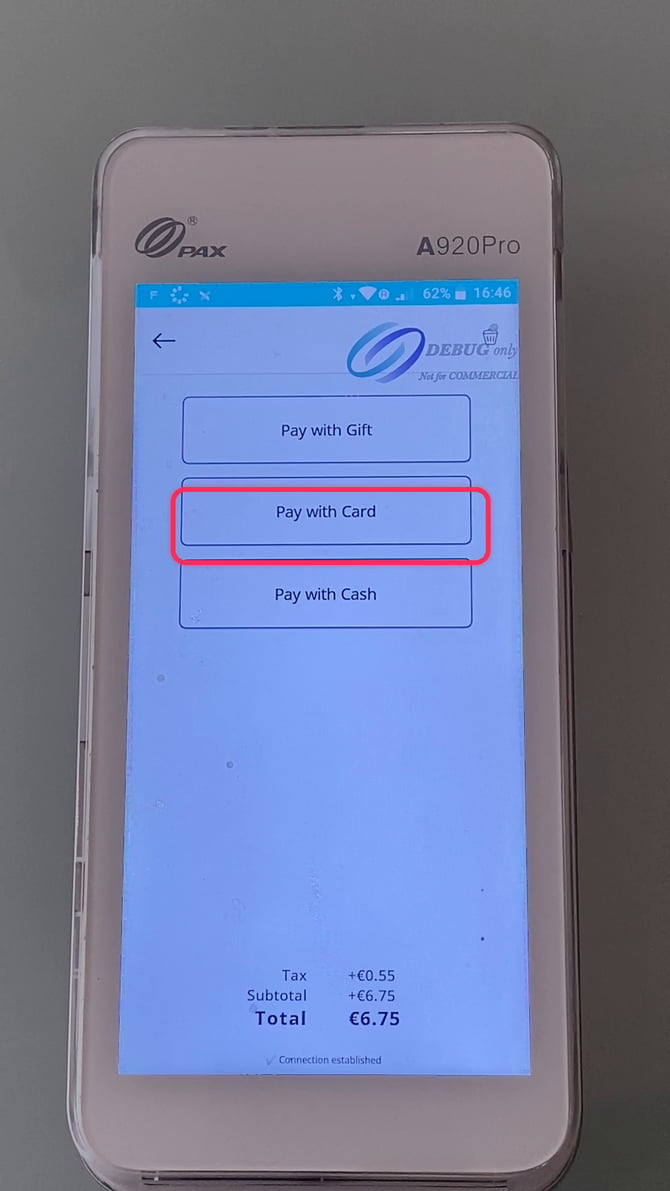
Step 6: The terminal prompts the customer to tap, swipe, or insert their credit or debit card. 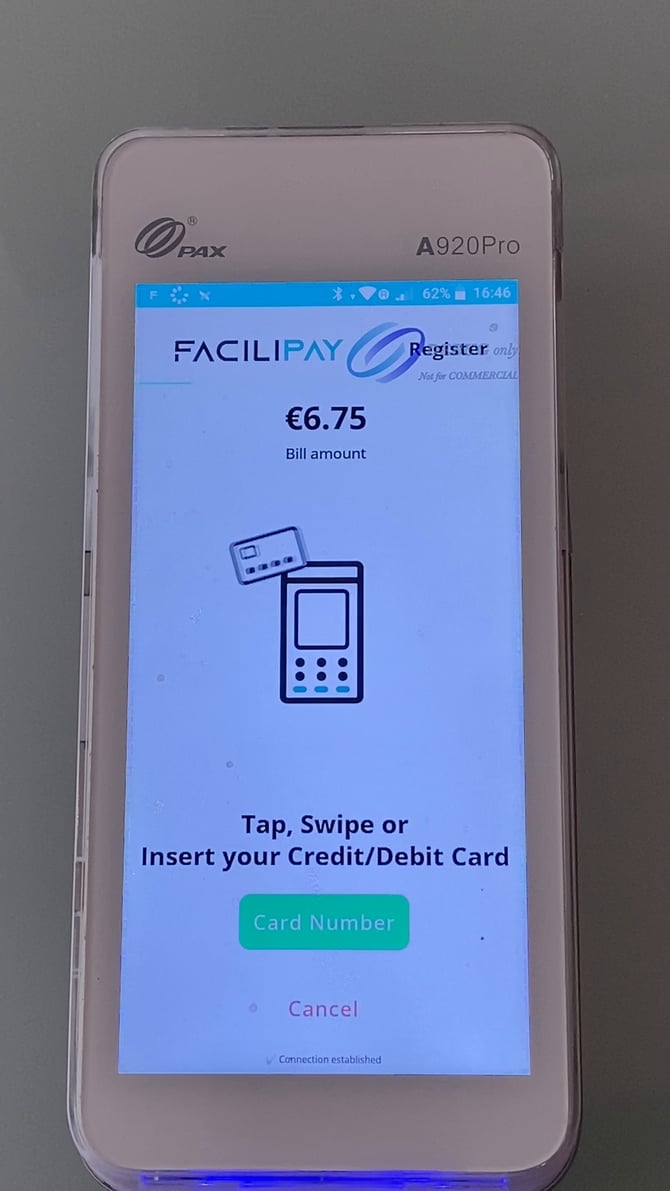
Step 7: Once the card is presented, the terminal reads it and shows "Card Detected" while the payment processes. 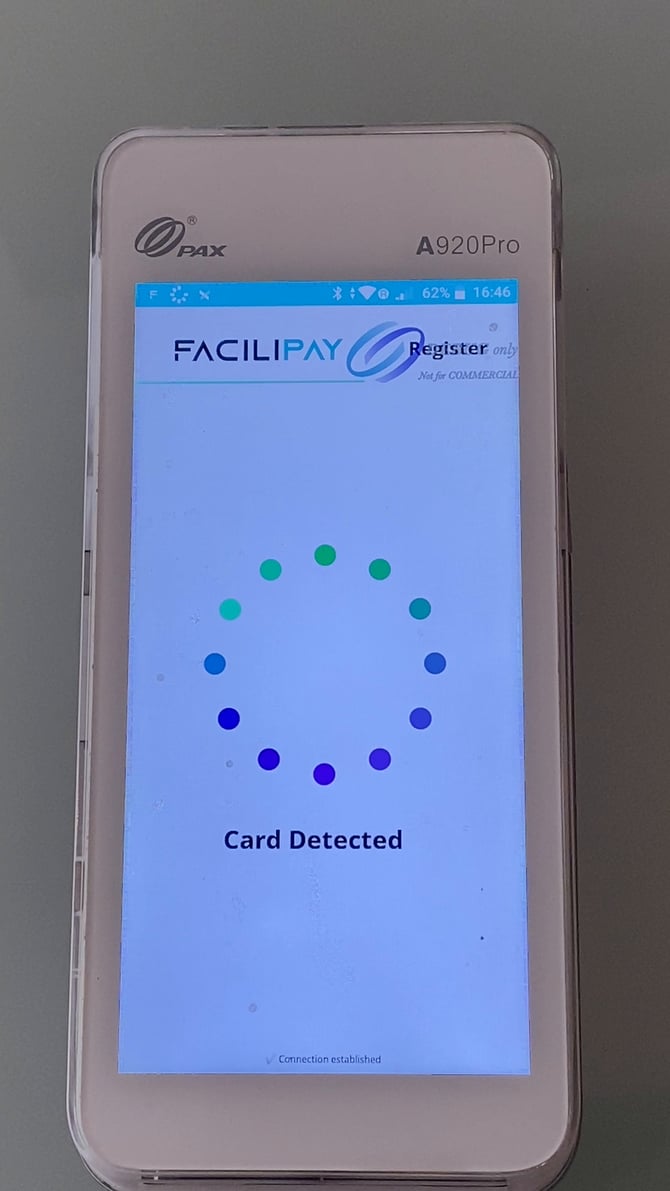
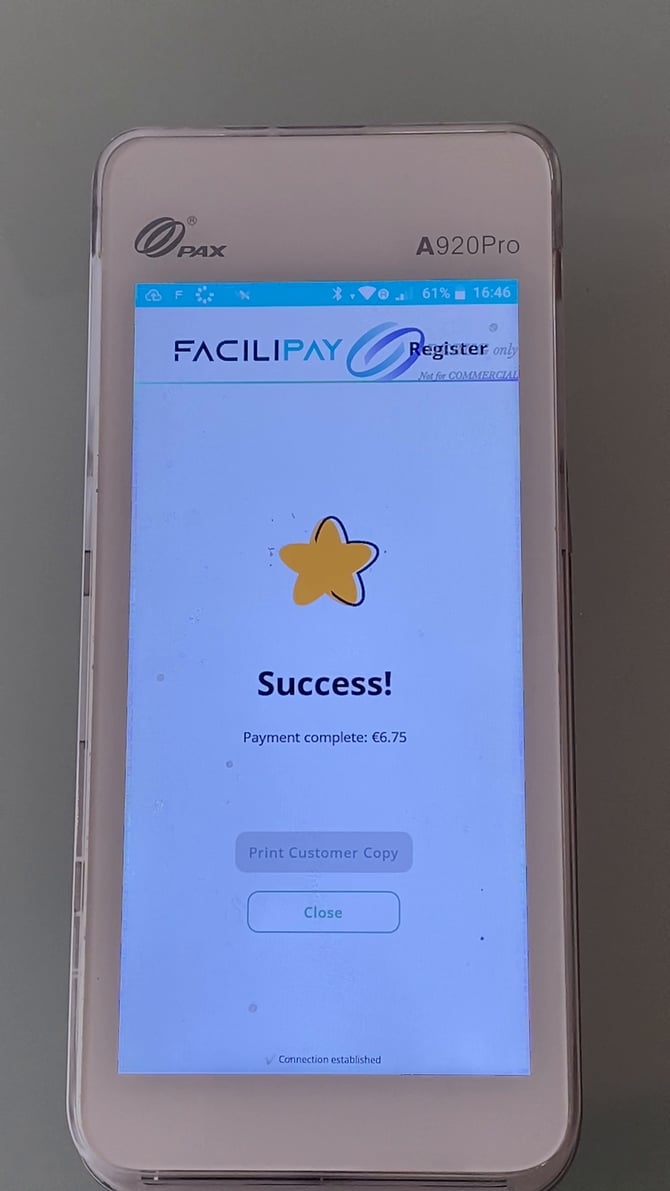
Step 8: The terminal confirms the payment. From here, staff can tap Print Customer Copy for a receipt, or Close to return to the register.