
Before You Begin
- You must be logged into the Facilipay Business Portal with admin access.
- Make sure new products have been added or modified in Clover before synchronising.
Step-by-Step: Synchronise Your Inventory
-
Log In to the Business Portal
Sign in to the Facilipay Business Portal. -
Open Inventory → Products
Navigate to Inventory > Products.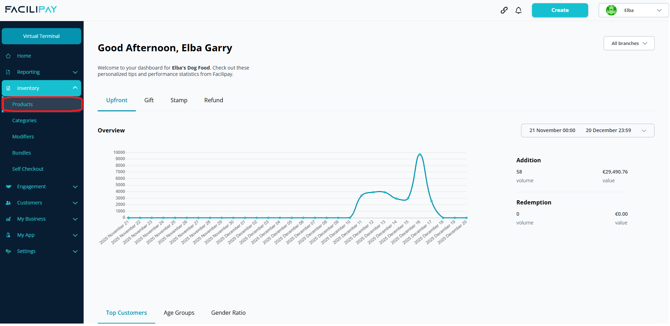
-
Synchronise with Clover
Click Synchronise with Clover in the top-right corner of the screen.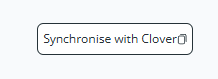
-
Wait for the Sync
A sync notification will appear briefly while the system pulls the latest product data from your Clover POS.
What Happens After You Sync
Once synchronisation completes, any newly created products in Clover appear in your Facilipay inventory, where you can configure their ordering settings.
Tips & Best Practices
-
Sync after every Clover update: Synchronise whenever you add or modify products in Clover — otherwise the items may not appear correctly in online ordering.
-
Verify after syncing: Check the new products show up correctly with the right categories and prices.
-
Need help? If sync fails or items don't appear, contact support@facilipay.io.