
Before You Begin
- You must have access to your Clover POS with the Loyalty app installed.
- Have a new customer card available to scan.
- Have the customer's name, email, and password choice ready.
Step-by-Step: Register a New Customer
-
Open the Loyalty App
From your Loyalty App on your Clover POS device, open the application.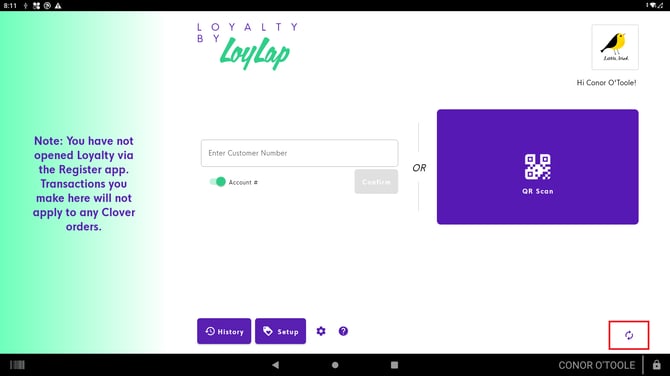
-
Scan the New Card
Within the Loyalty app, scan a new customer card.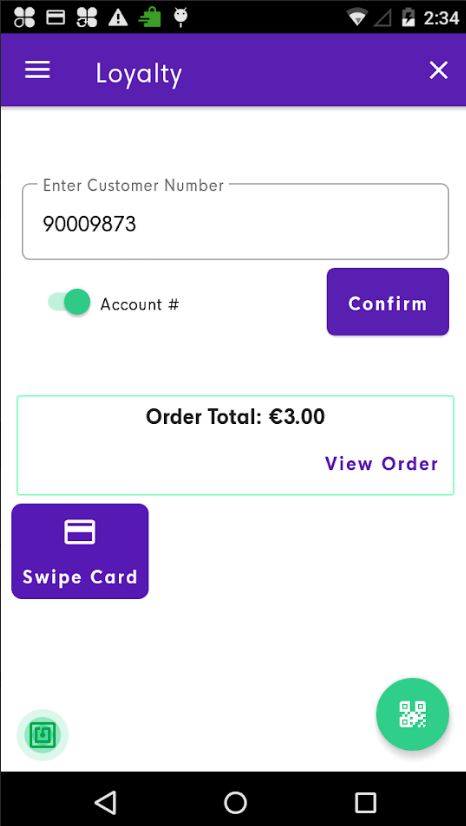
- The system reads the card ID automatically.
- You'll be prompted to enter the customer's name.
-
Complete Registration
Once the name has been saved, scan the card again.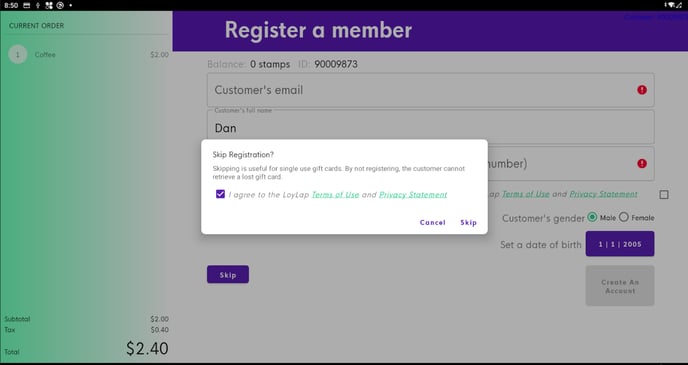
- You'll now be prompted to enter the customer's email address and create a password.
- This completes the account registration process.
What Happens After You Register
The customer is registered and ready to begin collecting loyalty rewards. They can now use the card on every visit to earn rewards.
Tips & Best Practices
-
Use a real email: Make sure the customer enters a real email so they can recover their account if needed.
-
Explain the benefits: A quick mention of how loyalty works boosts engagement.
-
Need help? For registration issues, contact support@facilipay.io.