
Step 1: View the transaction list to see all open checks, including IDs, amounts, and timestamps.
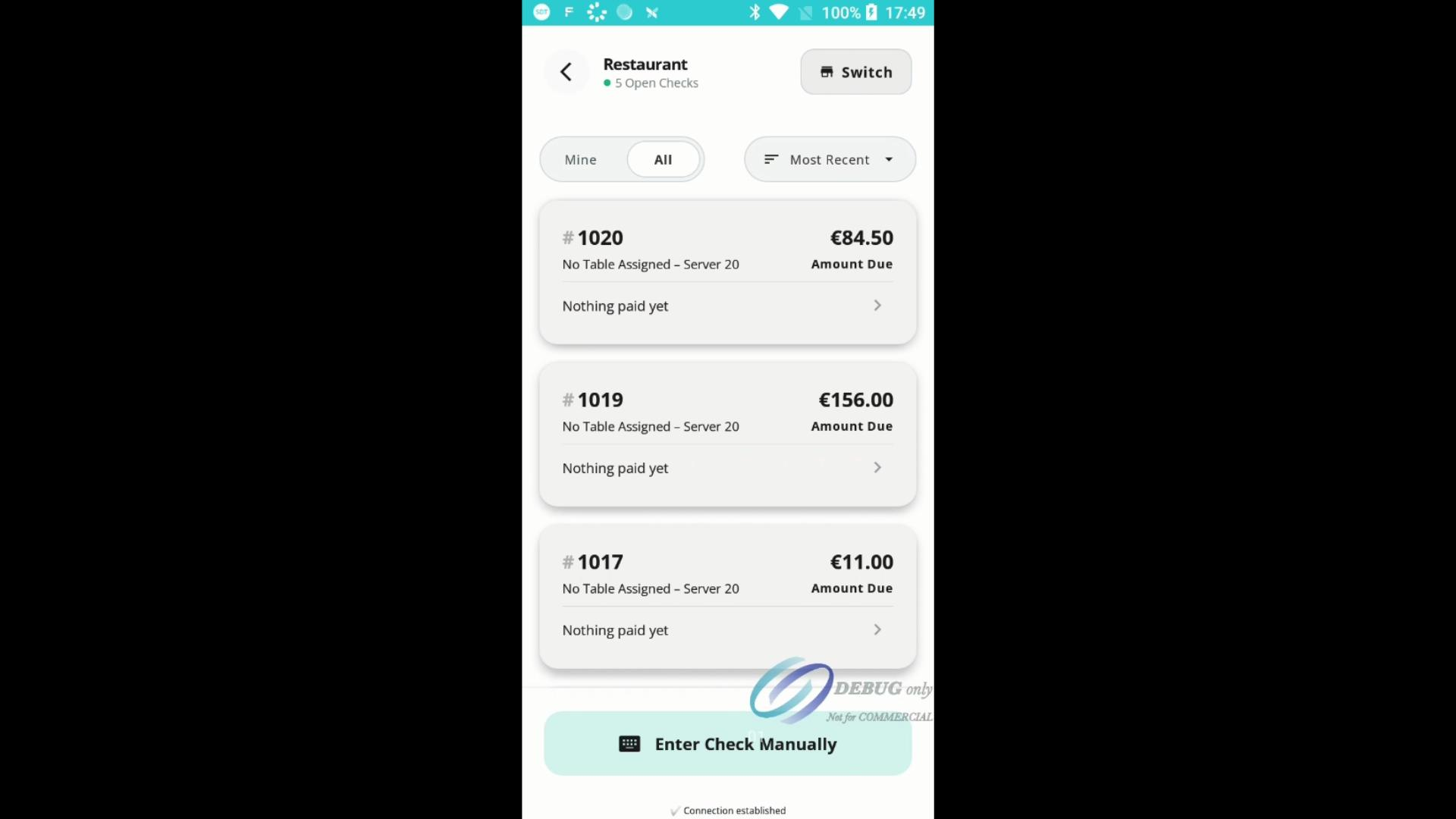
Step 2: Tap Switch to filter checks by area. In the Select Revenue Center dialog, choose between your centres, in this example we'll use Restaurant and Bar, to display only the relevant open checks.
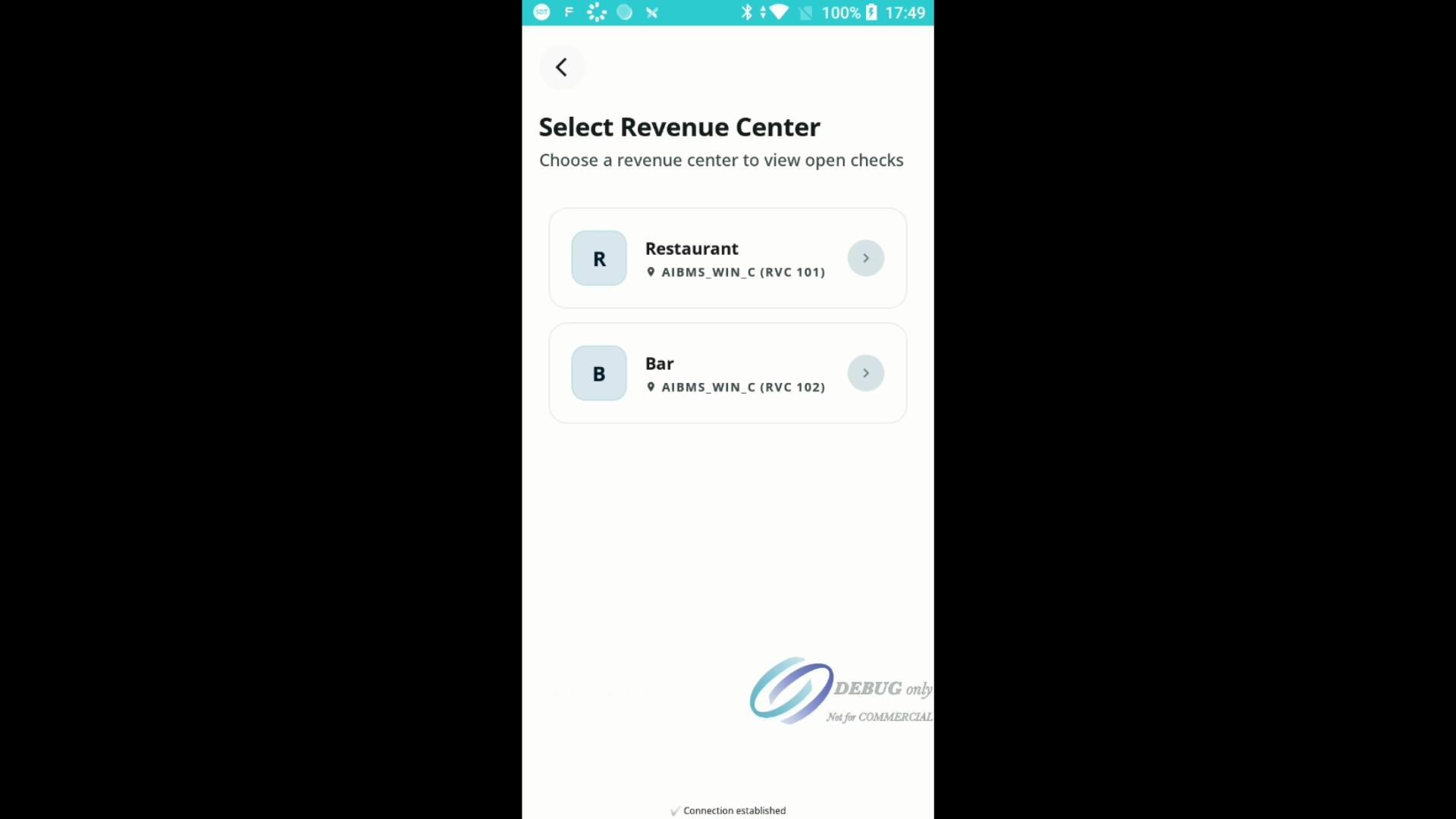
Effortlessly filtering checks keeps your workflow efficient and focused, whether you’re in the bar or restaurant. Use these options to quickly find the transactions you need.